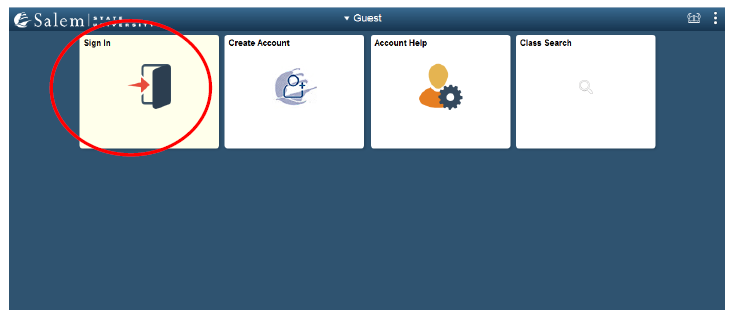
1) Log in to Navigator to access your Student Homepage.
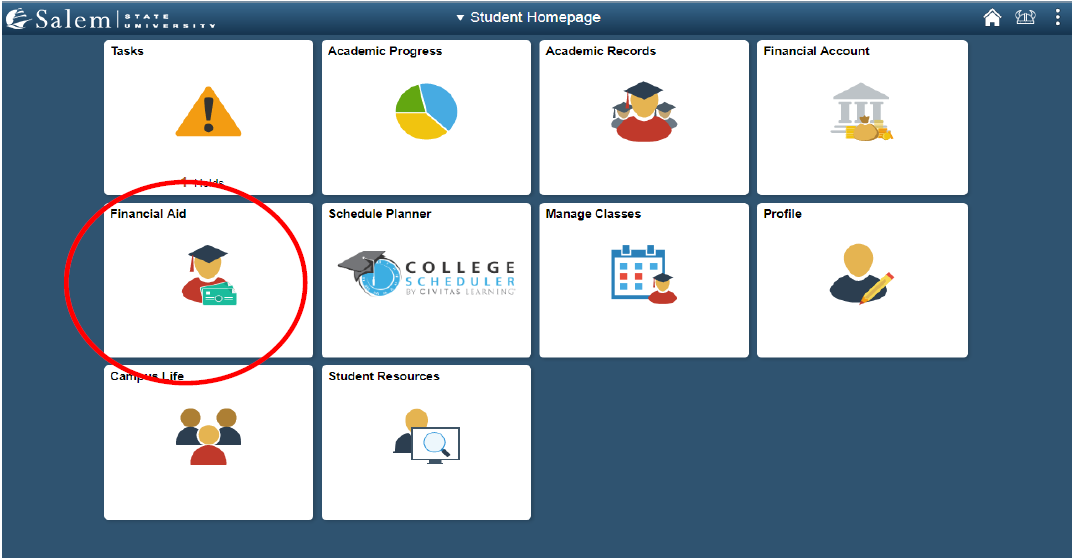
2. On the Student Homepage, click the Financial Aid tile.
3. One of the scenarios listed could be displayed on the Financial Aid page:
- Scenario 1: If you have never completed a FAFSA, you will receive the message below. You need to submit your FAFSA information right away. Please contact the Student Navigation Center if you believe you have successfully filed a FAFSA and see this message.

- Scenario 2: If you are a current student who successfully submitted a FAFSA but has not yet been awarded aid for the upcoming aid year, the page will default to your previous year's financial aid awards.
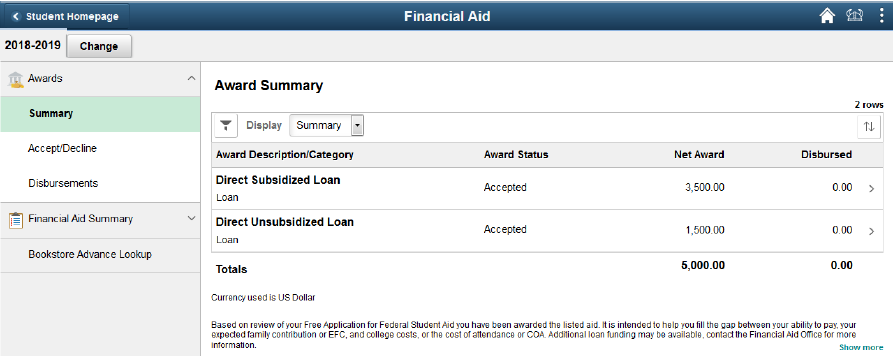
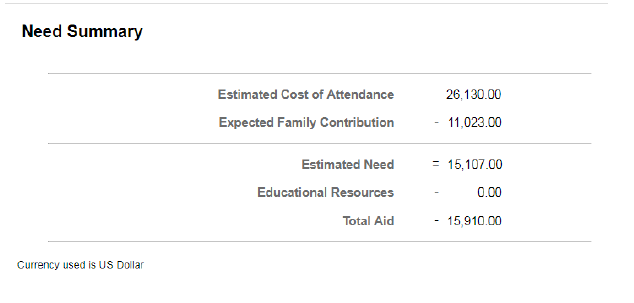
- Scenario 3: You will see a Need Summary if your FAFSA has been received for that aid year but has not yet been processed or awarded.
Please be cautious about the aid year you are viewing. You may need to click the "Change" button to view a different year.
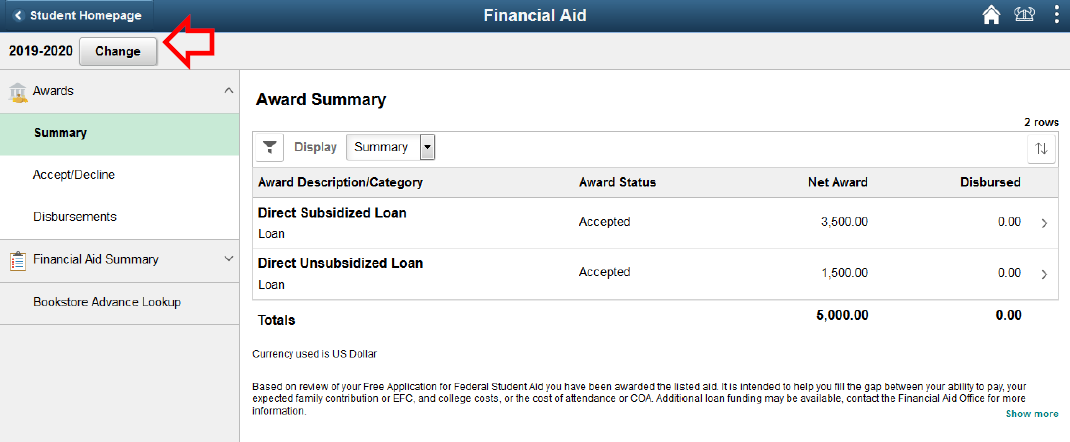
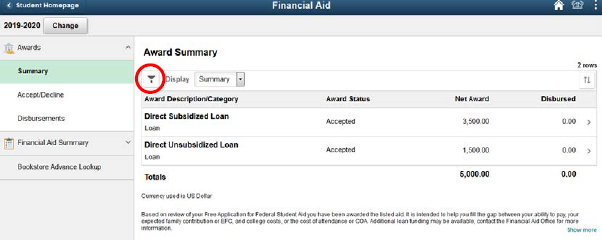
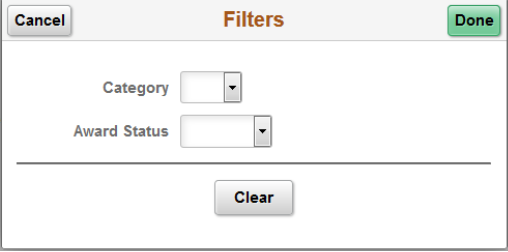
4. Click the Filter icon to filter your Award Summary by category or status. Categories include grants, loans, waivers, and Work-Study. Statuses include accepted or declined.
Additional Notes
A Work-Study award will not be applied toward a student's bill. Work-Study funds are paid as a paycheck if a student works a Work-Study-funded job on campus.
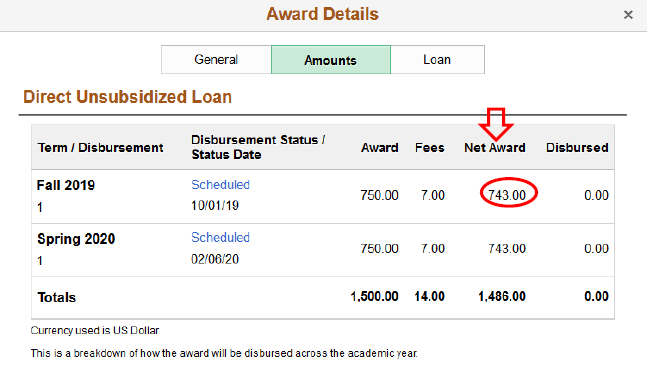
The federal government charges a loan fee on all federal student loans. The loan fee is a percentage of the total loan amount, deducted proportionately from each loan disbursement. The loan fee cannot be waived. View the amount listed under the Net Award heading to see the dollar amount that will be disbursed to your account.